Frontend vs Backend — What Lives Where and Why It Matters
When you load Gmail and click 'Compose,' two completely different programs are involved. The window that pops up — the rectangle, the input fields, the 'Send...

The Single Most Useful Distinction in Web Engineering
When you load Gmail and click "Compose," two completely different programs are involved. The window that pops up — the rectangle, the input fields, the "Send" button — is running in your browser, on your laptop, in your tab. It is JavaScript that Gmail sent to your computer minutes ago. The actual sending of the email — the part where the bytes leave your machine and end up in your friend's inbox — is happening on a Google server somewhere, running code you will never see.
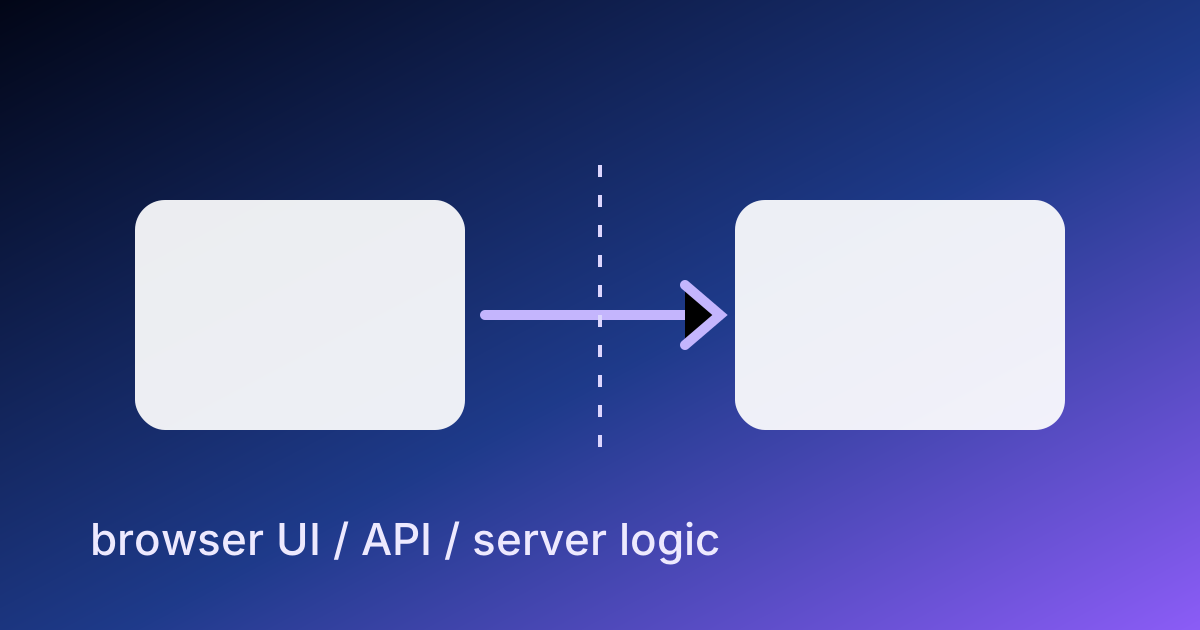
The first program is the frontend. The second is the backend. Almost every web application you use is split between these two halves, and the line between them is one of the most important architectural boundaries in software.
This article is the boundary, drawn precisely. What lives on each side. What each side can and cannot do. Why the split exists. And why getting the boundary right is the difference between an application that scales and one that does not.
Where the Code Runs
The simplest way to draw the line:
- Frontend code runs on the user's device — their laptop, phone, or tablet, inside their browser tab.
- Backend code runs on a server you control — a machine somewhere in a data center, or in a serverless container that spins up on demand.
This single fact drives almost every other difference between the two halves.
The user's device is untrusted. You did not install the browser; you do not control the operating system; you have no idea if the user has dev tools open, is on a flaky 3G connection, or is running an extension that intercepts your code. Whatever you ship to the frontend, the user can read, modify, and send back to you fabricated.
The server is trusted. You installed it; you configured it; you control who has access. Code on the server can hold secrets (API keys, database passwords), make decisions the user cannot override, and talk to other internal systems on private networks.
That trust gradient is the reason the split exists. It is also the reason new engineers get the boundary wrong — they put logic on the frontend that should live on the backend, and the application breaks the moment a user opens DevTools.
What the Frontend Does
The frontend is responsible for what the user sees and what happens when they click. Concretely:
- Rendering the UI — turning data into visible HTML, applying styles, laying out the page on the available screen.
- Handling input — clicks, key presses, form submissions, drag-and-drop, scroll events.
- Local state management — what is currently selected, what panel is open, what the user has typed but not sent.
- Optimistic UI — showing the result of an action immediately while the server confirms in the background.
- Calling the backend — sending HTTP requests when the user does something that needs server data.
- Presenting errors and loading states — telling the user when something is in flight or has failed.
The frontend is a render-and-react machine. It draws the current state and reacts to inputs by either updating local state or sending a request to the backend.
The technologies you will see here:
- HTML, CSS, JavaScript as the universal substrate.
- Frameworks: React, Vue, Svelte, SolidJS — they take a description of "what the UI should look like given this state" and handle the work of efficiently updating the actual DOM.
- Meta-frameworks: Next.js, Nuxt, SvelteKit, Remix — frameworks-on-top-of-frameworks that add routing, server-side rendering, and a build pipeline.
- Build tools: Vite, Turbopack, esbuild — they bundle, minify, and transform your source into the smaller files browsers actually download.
What the Backend Does
The backend is responsible for everything that needs to be authoritative, persistent, or shared across users. Concretely:
- Authentication and authorization — checking who the user is and what they are allowed to do.
- Persistence — reading from and writing to the database. The frontend does not talk to your database directly; it asks the backend.
- Business logic — the rules that define your application. "Can this user delete this post?" "What does it cost to ship to this address?" These decisions cannot be trusted to the frontend.
- Integrations with other services — calling Stripe to take a payment, calling SendGrid to send an email, calling OpenAI to run an LLM prompt. These calls require API keys you cannot expose to the user.
- Aggregating data for the frontend — the frontend wants "give me this user's dashboard"; the backend turns that into ten database queries, three external API calls, some computation, and one shaped response.
- Long-running work — generating a report, transcoding a video, running a nightly cleanup. The frontend session ends when the user closes the tab; the backend can keep working.
The technologies you will see here:
- Languages: JavaScript/TypeScript (Node.js, Deno, Bun), Python (Flask, FastAPI, Django), Go, Ruby (Rails), Java/Kotlin, PHP (Laravel), C# (.NET), Elixir.
- Databases: PostgreSQL, MySQL, SQLite, MongoDB, Redis. The choice depends on access patterns, not language.
- Servers: A program runs and listens for HTTP requests. In production it is fronted by a reverse proxy (nginx, Caddy) and often deployed via containers (Docker) on cloud platforms (AWS, GCP, Cloudflare).
The API — The Treaty Between the Two Halves
Frontend and backend talk to each other through a defined interface — almost always an HTTP-based API, usually REST or GraphQL.
The shape of this interface is the contract. The frontend agrees: "I will send POST /api/posts with a JSON body containing a title and content." The backend agrees: "I will accept that, validate the user's permissions, save it to the database, and respond with 201 Created and the new post's data." If either side violates the contract, things break — silently, often in production, often noticed by users before engineers.
A well-designed API has two properties:
- The frontend cannot trust the backend's existence. Networks fail. Servers go down. The frontend must handle errors, retries, and stale data gracefully.
- The backend cannot trust the frontend's correctness. Validate every input. Check every permission. Assume an attacker is calling your API by hand without going through the frontend.
The second property is where most security bugs are born. Logic like "the frontend hides the delete button for non-admins" is fine for UX but is not security. The backend has to refuse the delete itself if the user is not an admin, because anyone can call the delete endpoint directly.
Where to Put What
A common new-engineer mistake is reasoning about where to put code based on what is convenient. The right reasoning is based on trust and persistence.
Put it on the backend if:
- It involves a secret (API key, database password, signing secret).
- It enforces a rule the user must not be able to override.
- It needs to read or write data shared across users.
- It must run even if the user closes the tab.
- It involves money, permissions, or anything regulated.
Put it on the frontend if:
- It is purely about how to render the current data.
- It only needs to react to a single user's local actions.
- It is a UX optimization (autocomplete, instant feedback).
- It can be replayed safely against the backend if the user reloads.
Some logic legitimately lives in both places. Form validation is a classic example: the frontend validates on every keystroke for a good UX, and the backend re-validates on submit because it cannot trust the frontend. The validation rules are duplicated; the alternative — only one side validating — is either bad UX or insecure.
The Fullstack Engineer
A "fullstack engineer" is someone comfortable working on both halves. The frontier of what counts as fullstack has shifted over the years:
- In 2010, fullstack often meant "writes Ruby on Rails and jQuery."
- In 2020, fullstack often meant "writes Node and React, and deploys to AWS."
- In 2026, fullstack often means "writes TypeScript on both sides, uses an edge platform like Cloudflare, knows enough SQL and infrastructure to deploy without a separate ops team."
The skill is not knowing every framework. It is having a clear mental model of the boundary so you can reason about which side a feature belongs on. Frameworks change every two years; the boundary has not changed in twenty.
Server-Side Rendering Blurs the Line — On Purpose
You will hear about Server-Side Rendering (SSR) and assume it breaks the clean split. It does not — it just adds a third location where code runs.
In SSR, the first request for a page is handled by the server, which renders the HTML and sends it to the browser. The browser displays it immediately, without waiting for JavaScript. Then the JavaScript loads, "hydrates" the page, and from that point onward the application behaves like a normal frontend app.
Why bother? Two reasons:
- Faster first paint. The user sees content almost immediately, before JavaScript has parsed.
- Better SEO. Search engine crawlers see the rendered HTML, not an empty
<div id="root">waiting to be filled by a script.
The boundary is still there. SSR uses the same code on both server and client; the framework decides which side to run a given component on. Next.js, Nuxt, SvelteKit, and Remix are all built around this idea. The mental model from this article still holds — there is just an extra "server-side render" step before the frontend takes over.
The Edge Adds a Fourth Location
Modern platforms (Cloudflare Workers, Vercel Edge, Deno Deploy) push the frontend-or-backend question further by introducing a third runtime: the edge. Code at the edge runs in data centers physically close to the user, but it is still a server. It is faster than a centralized backend (lower latency to the user), more limited than a full backend (no long-running jobs, often no full database access), and absolutely is not the frontend (it cannot read the user's local state or render to their screen directly).
For a small site, the edge is often where the entire backend lives. For a large site, the edge handles cheap, high-frequency things (auth checks, cache lookups, simple API responses) while a centralized backend handles the heavy work.
Where This Fits
Lesson 12 of the ABCsteps curriculum paints the full-stack picture without picking a specific framework. This article is the picture in conceptual depth. By the time you finish lesson 12, you will know exactly which side of the boundary every feature sits on — and from that, every architectural decision about your project becomes clearer.
Apply this hands-on · Module C
Frontend and Backend: The Full Picture
Lesson 12 paints the full-stack picture. This article makes the boundary precise — what runs in the browser, what runs on the server, and what each side can and cannot do.
Open lesson